Welcome to Zeppay.
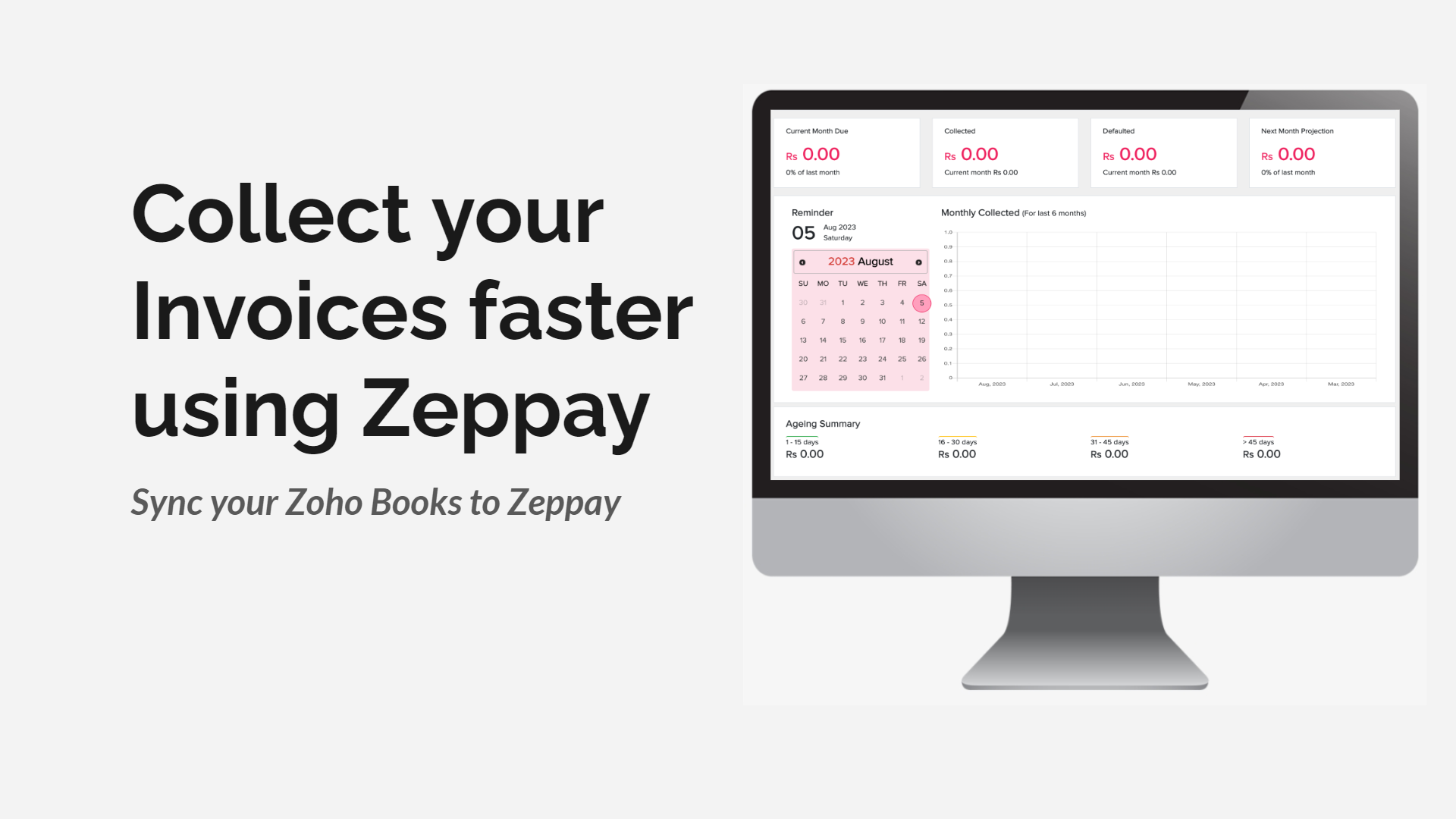
You can use Zeppay to schedule reminders in whatsapp, sms and email along with payment links to help you collect your zoho books Invoices faster.
How to sync your Zoho Books Account to Zeppay
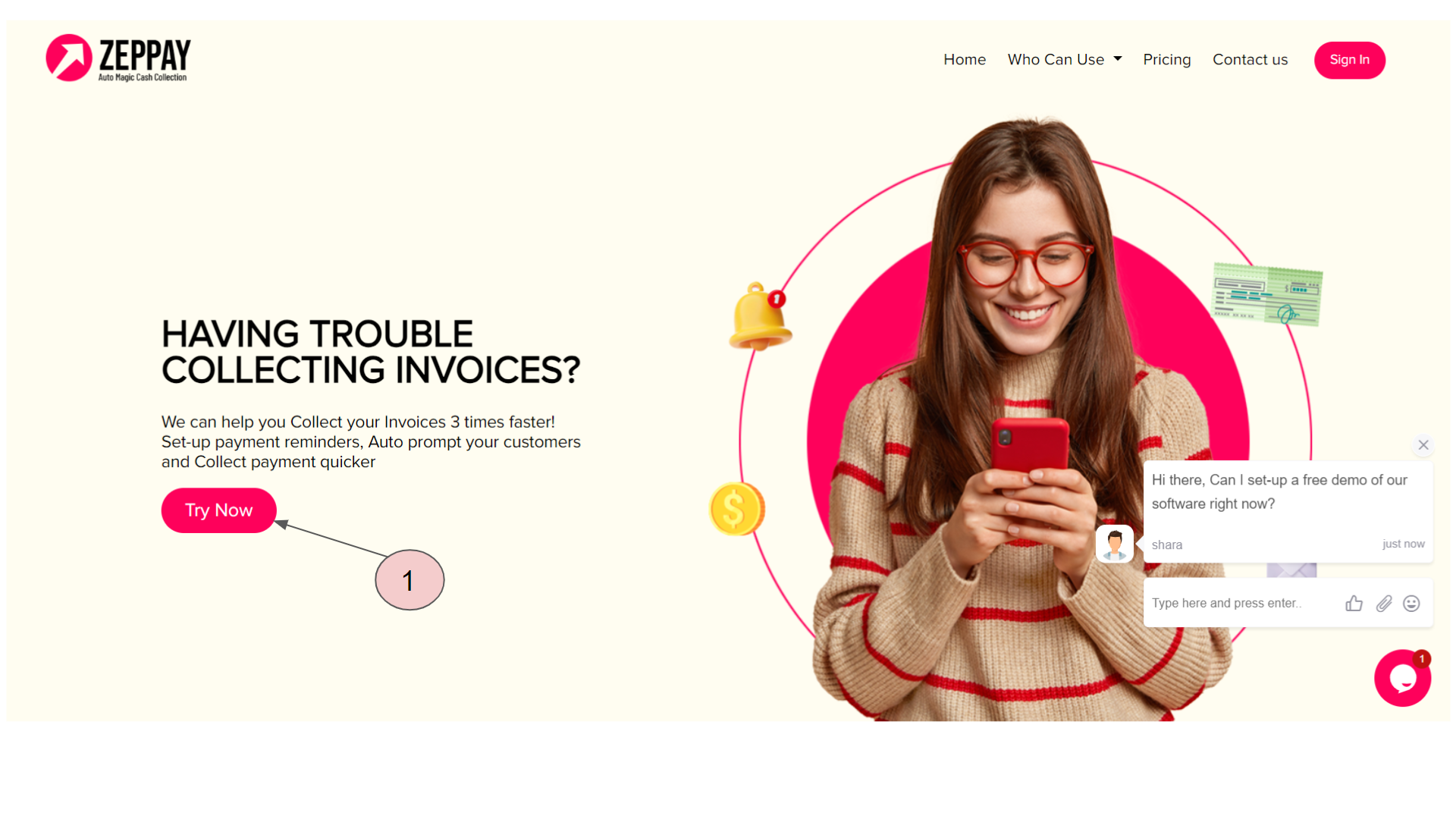
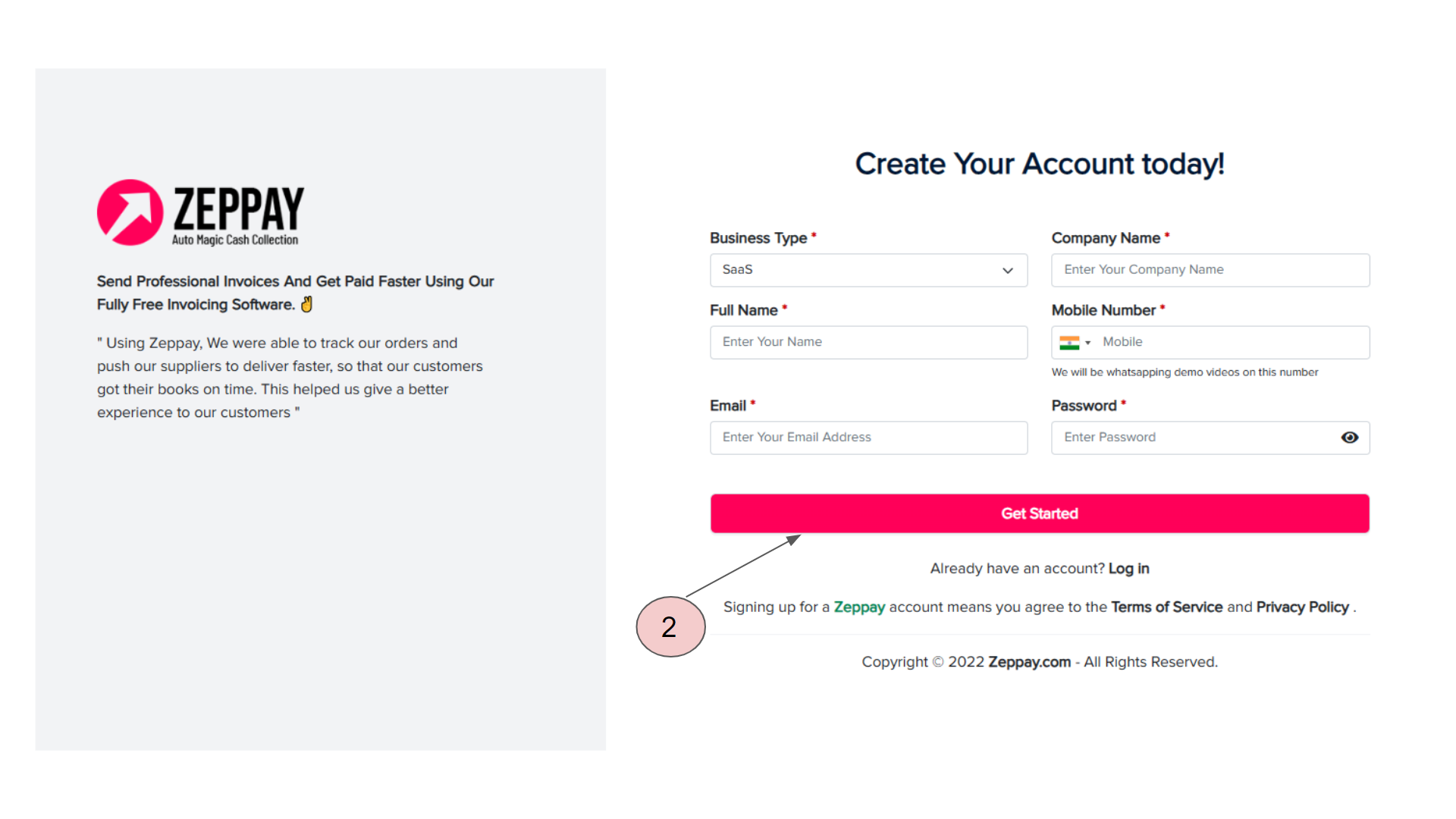
Firstly, Go to Zeppay.com and create an account using the “Try now” button
Create Your Account
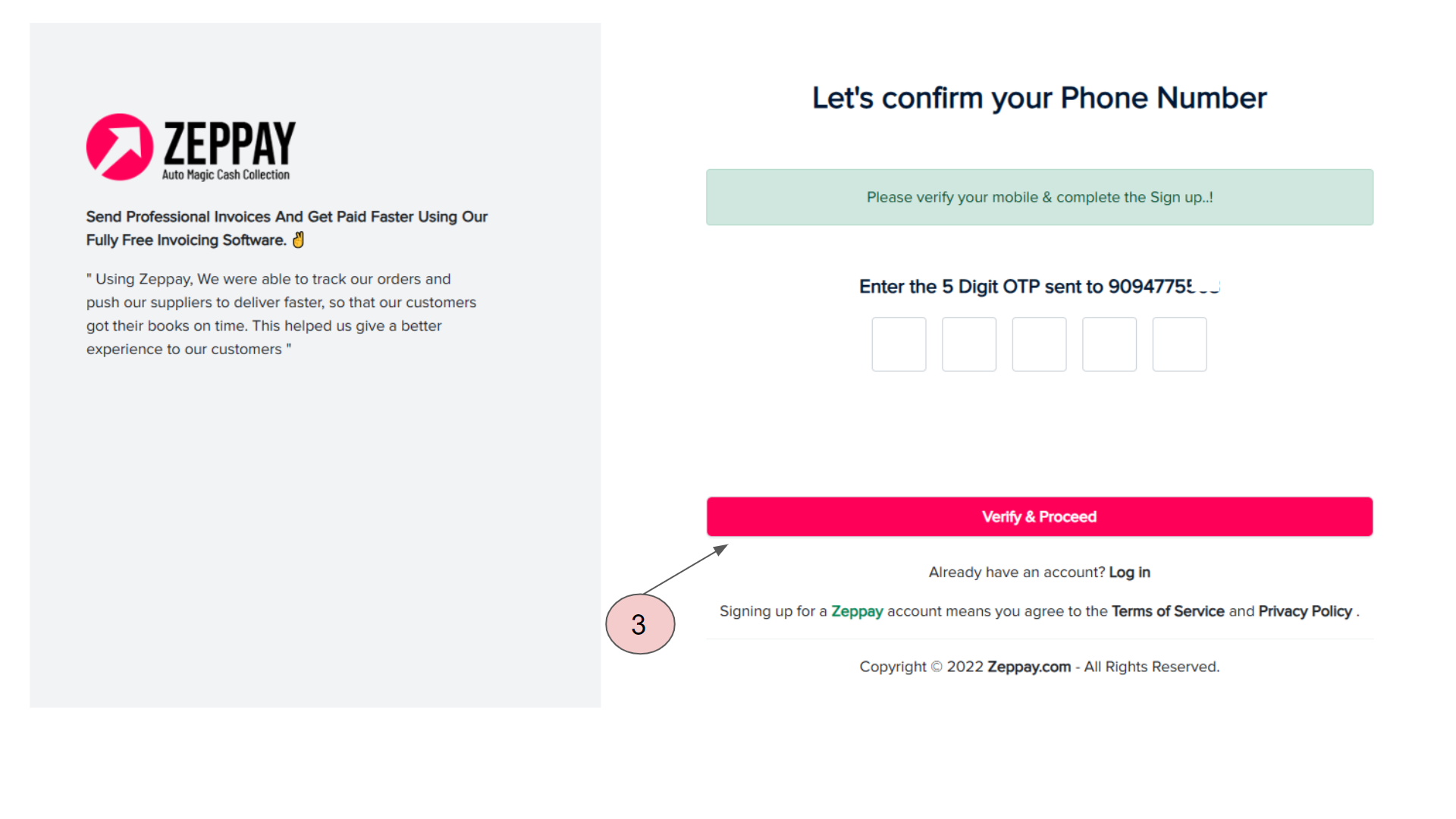
Fill the otp you received on your whatsapp number
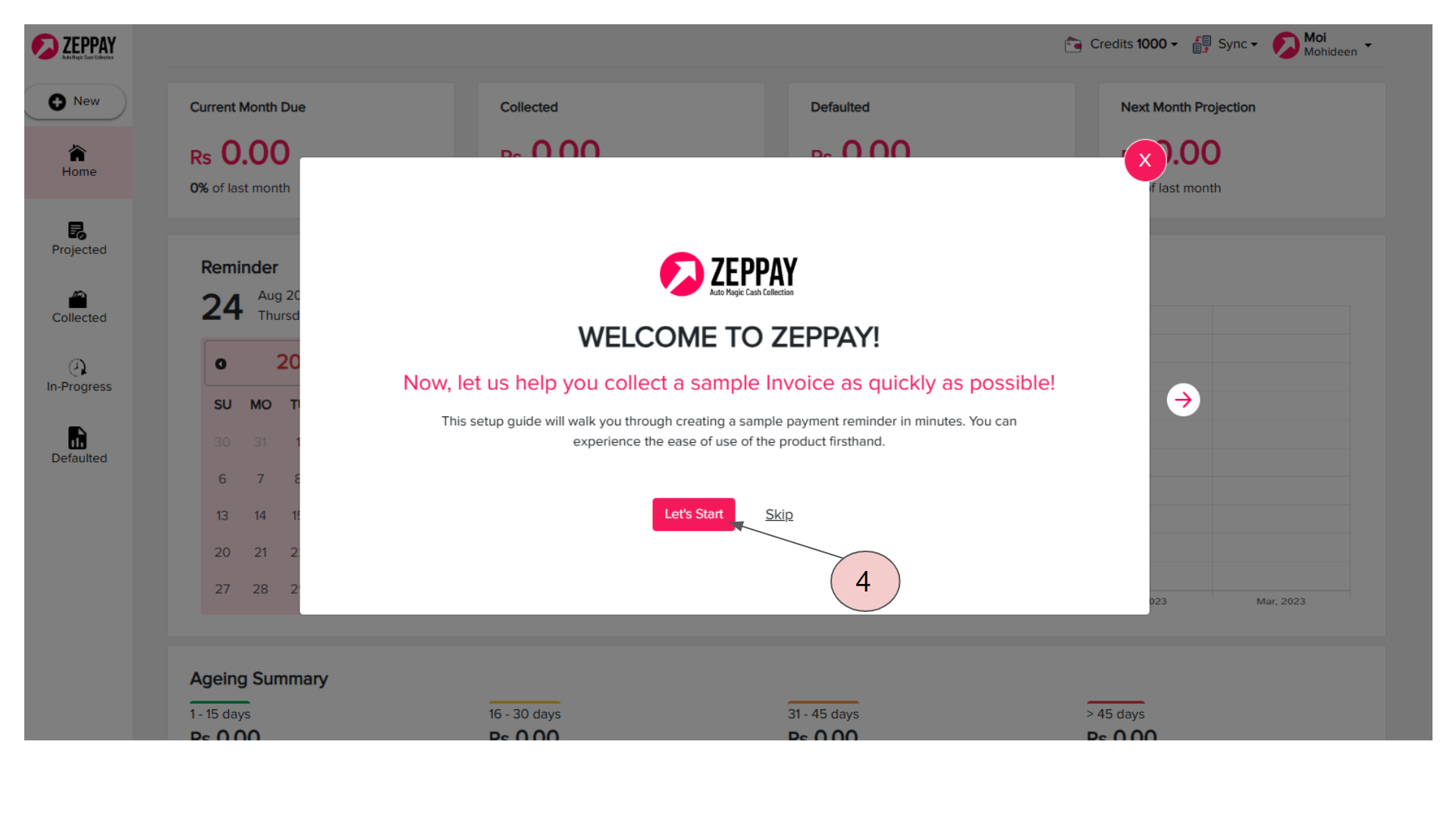
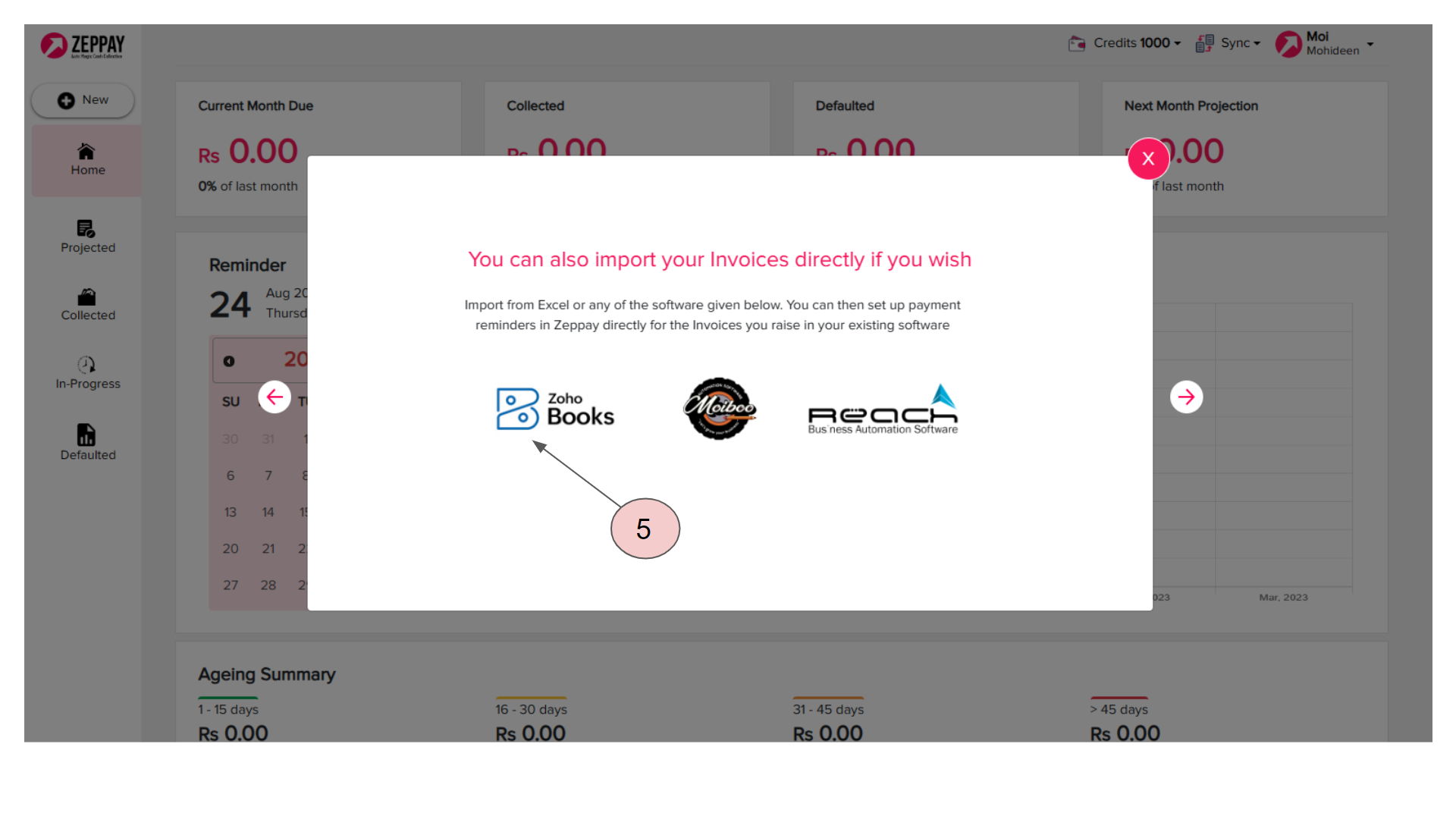
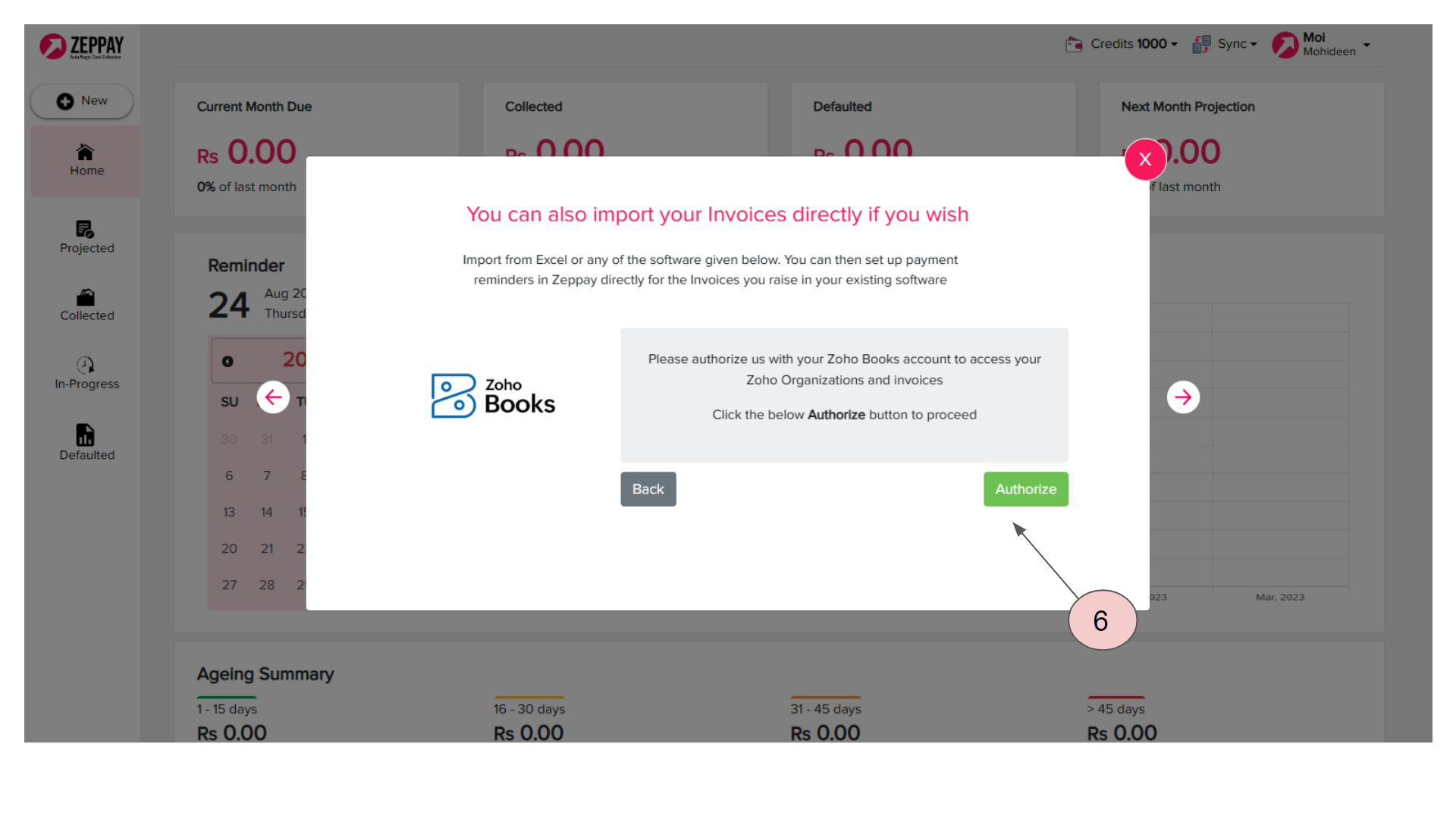
Put required details and click on "Next" button
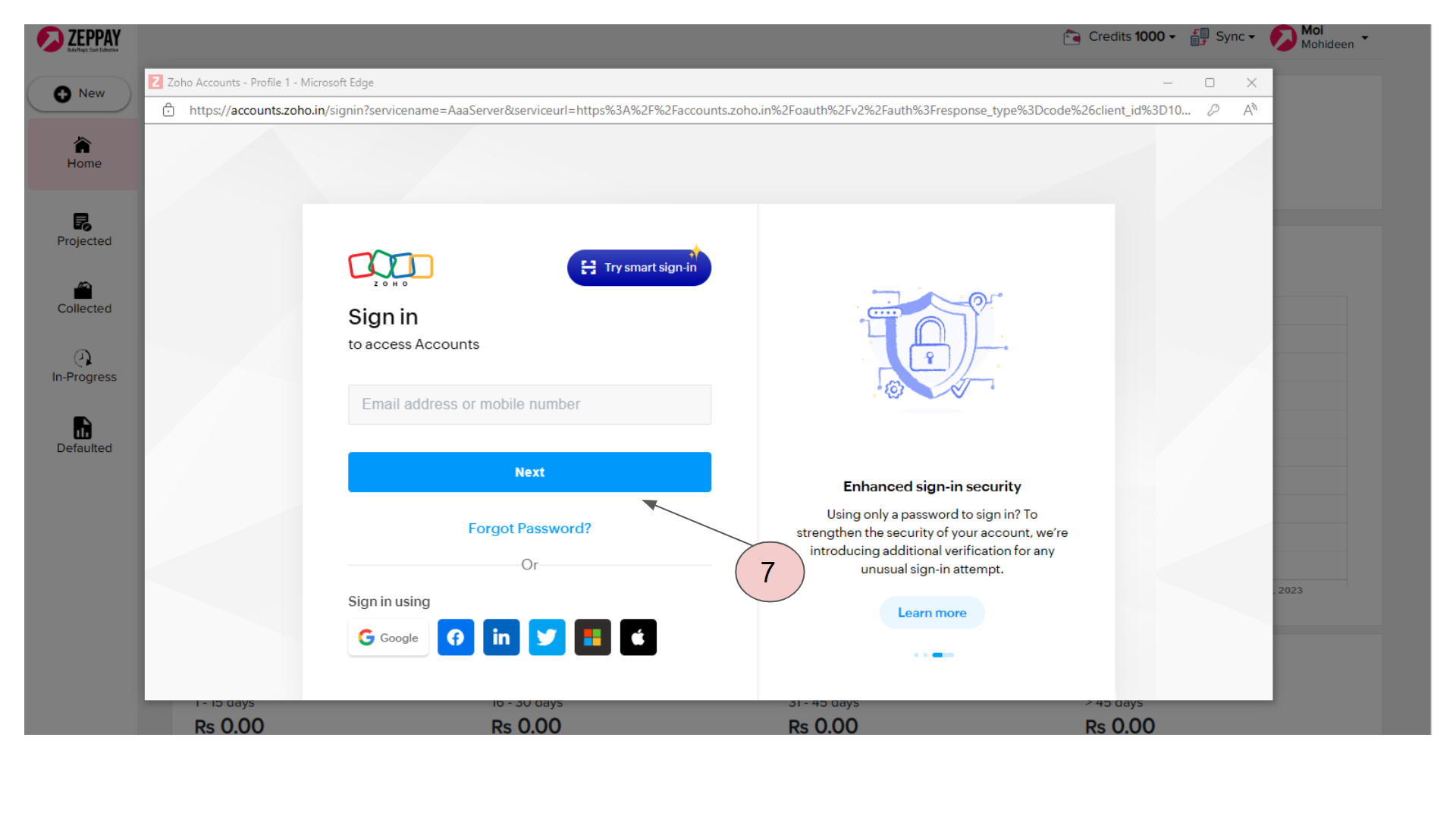
Click on Accept button to allow Zep test to access data in your Zoho Books account
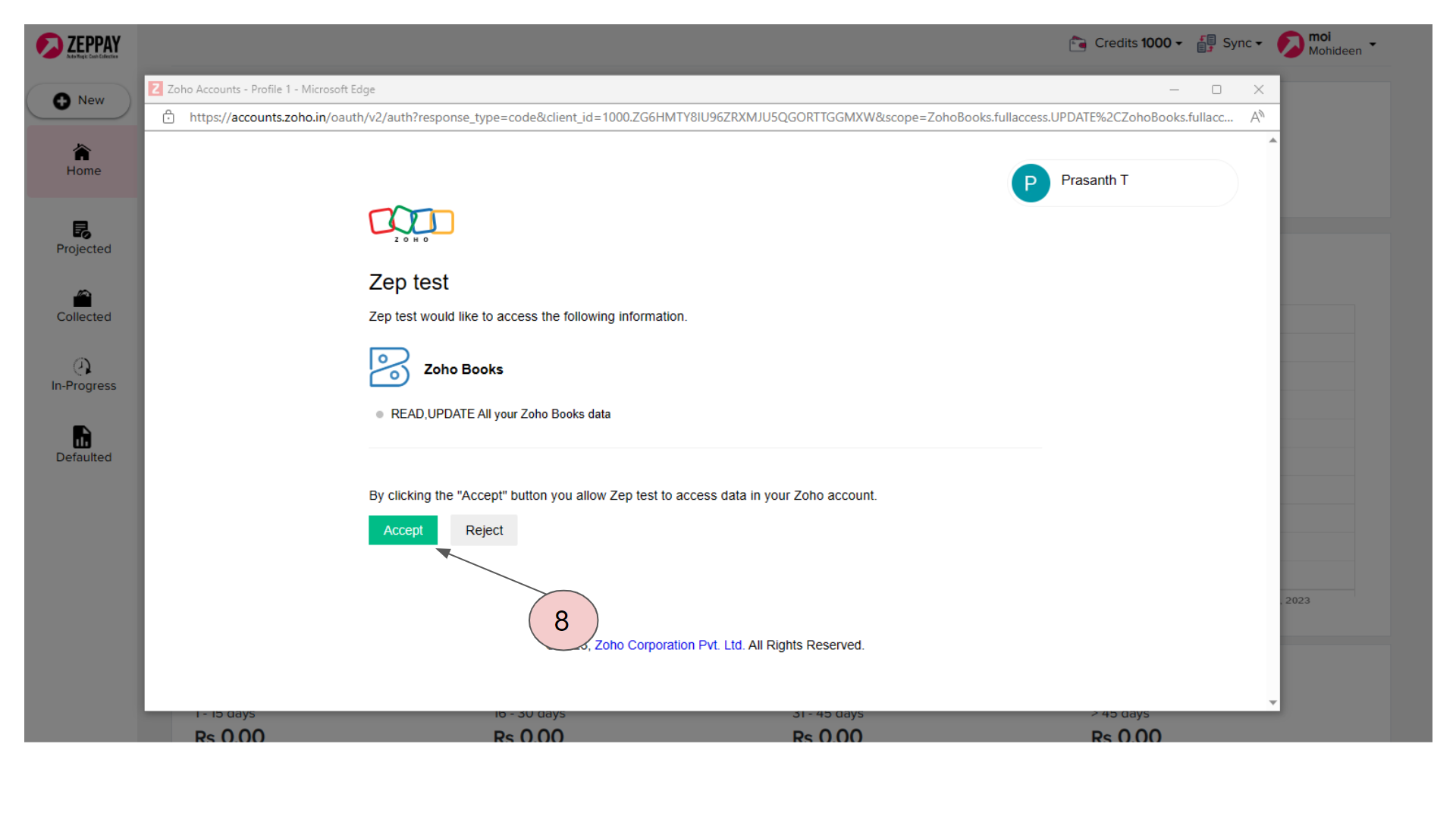
Zoho Books authorization completed, You can sync Zoho Books Invoices Now! Click on Back to Dashboard
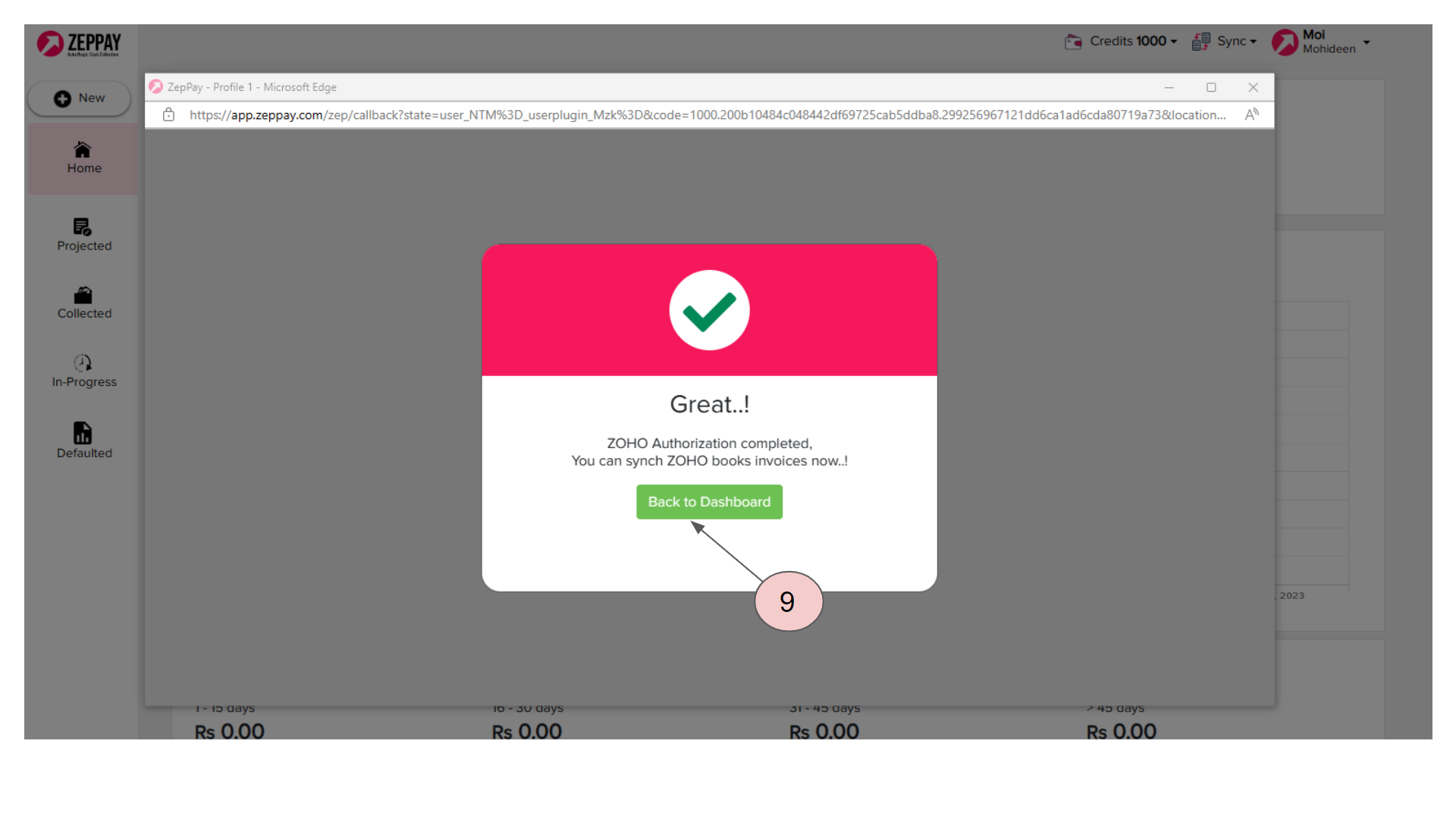
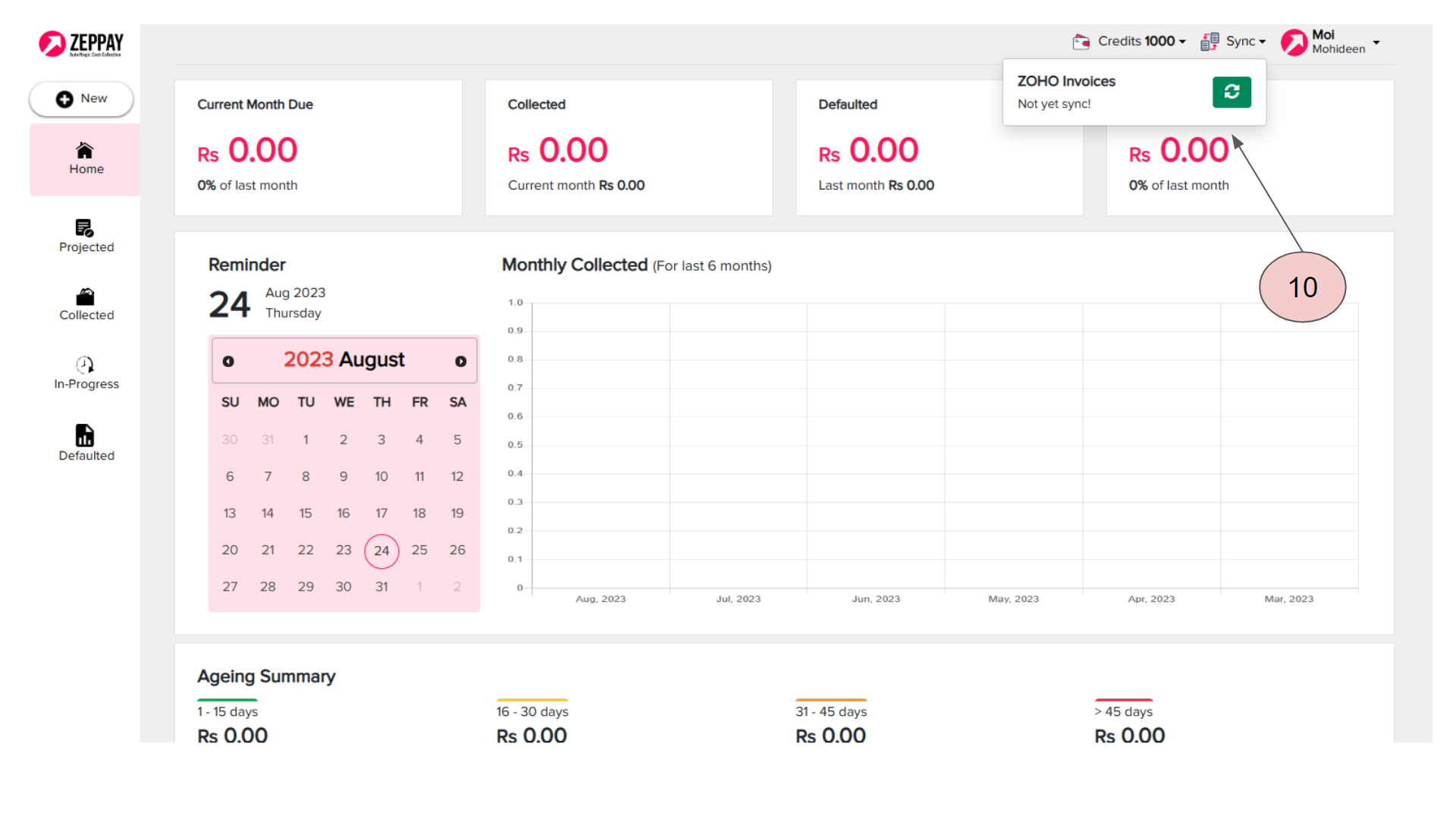
Once the plugin is activated, the Invoices can be downloaded into zeppay by clicking on sync in the top right side of the zeppay panel
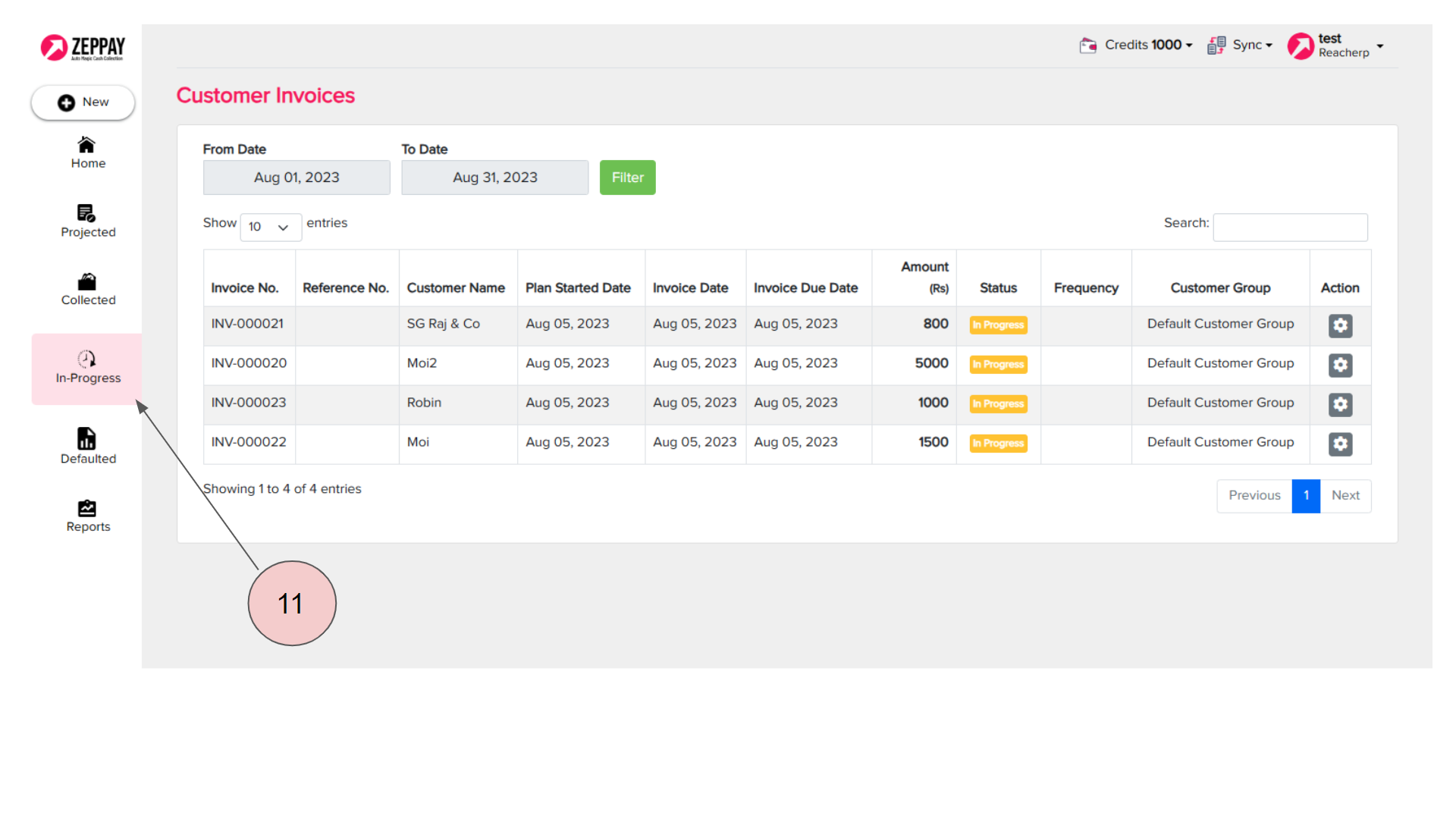
You can see all the downloaded Invoices in the In-progress tab
Now that your Invoices are downloaded, let us setup the reminders and payment links. Click on the drop down in the Top right hand corner of your panel and choose “Workflow”
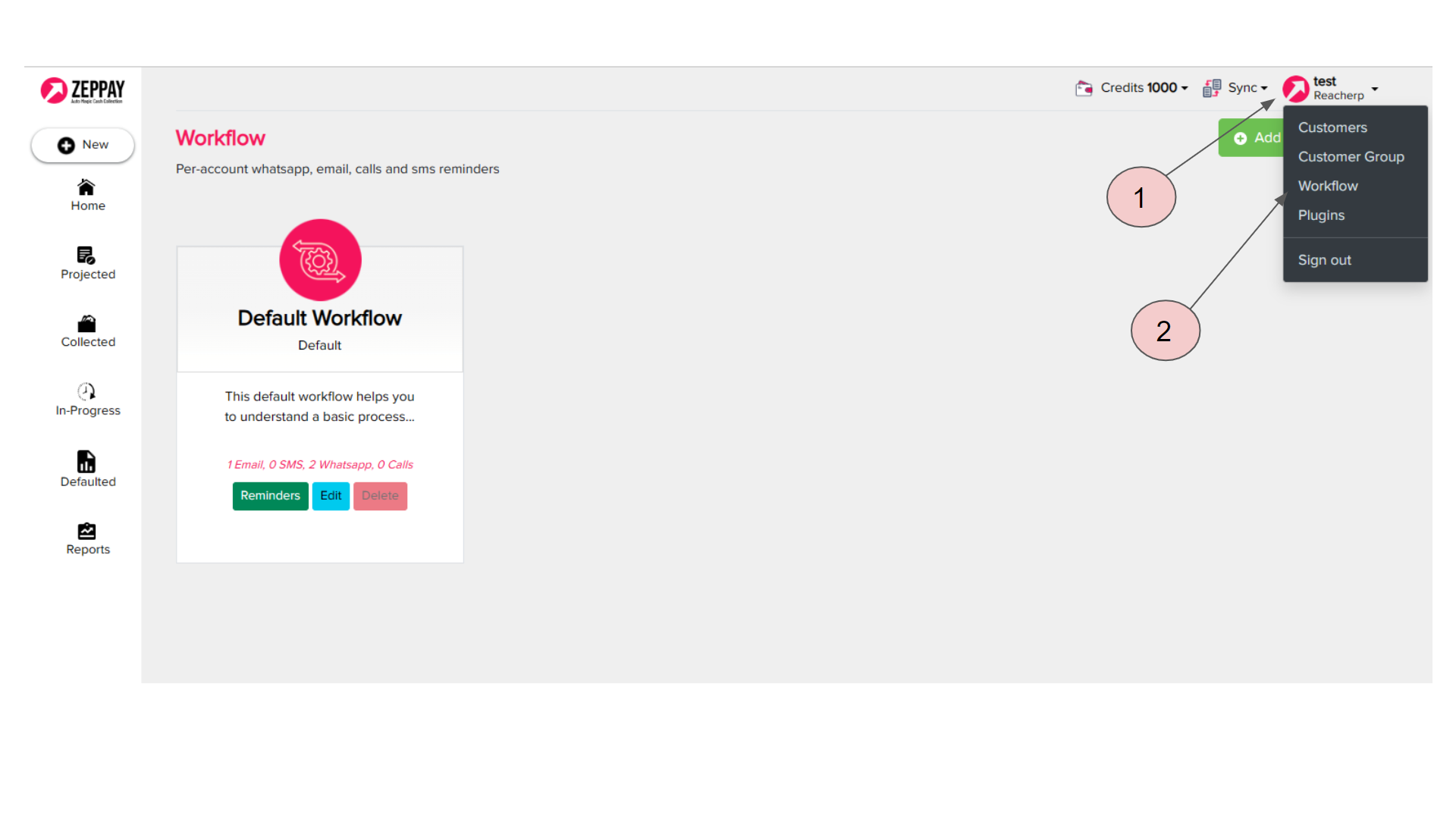
Now you can choose the communication mediums and create message templates for each channel here.
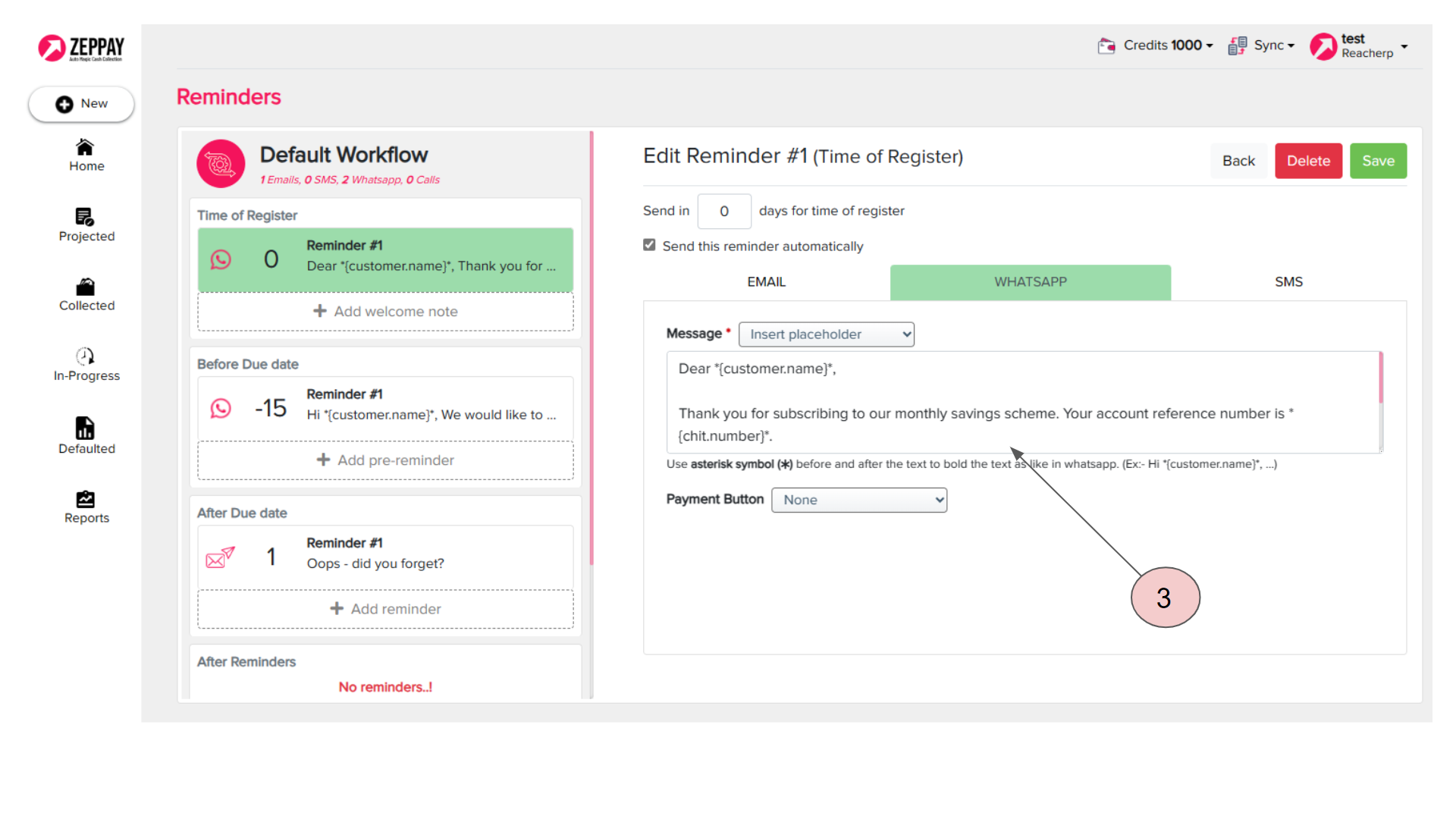
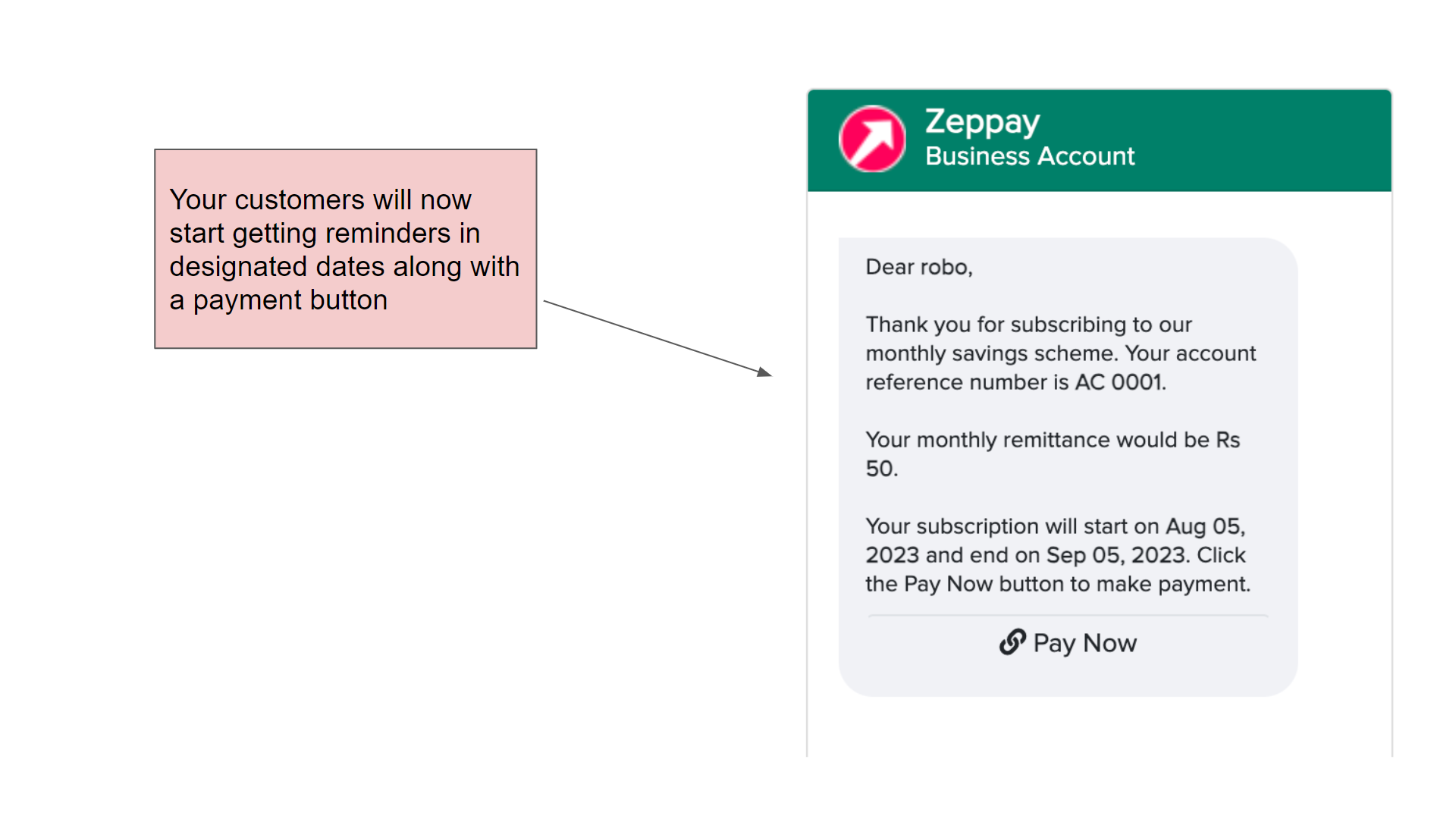
Once the workflow is set, you customers will now start getting reminders on the designated dates with a payment button
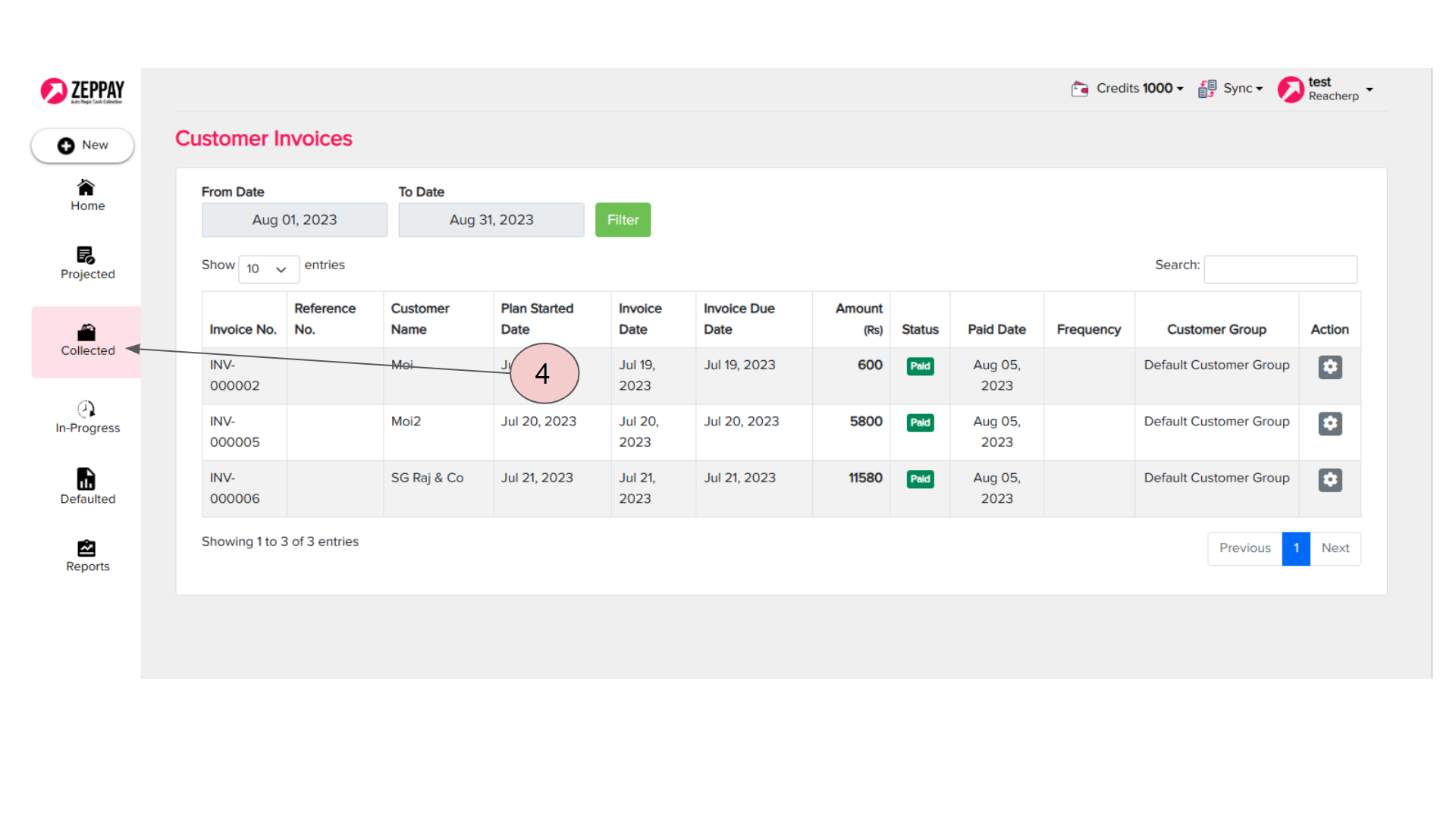
Payments made will be reflected in the collected Tab in your zeppay panel and will also automatically be updated in your zoho books account
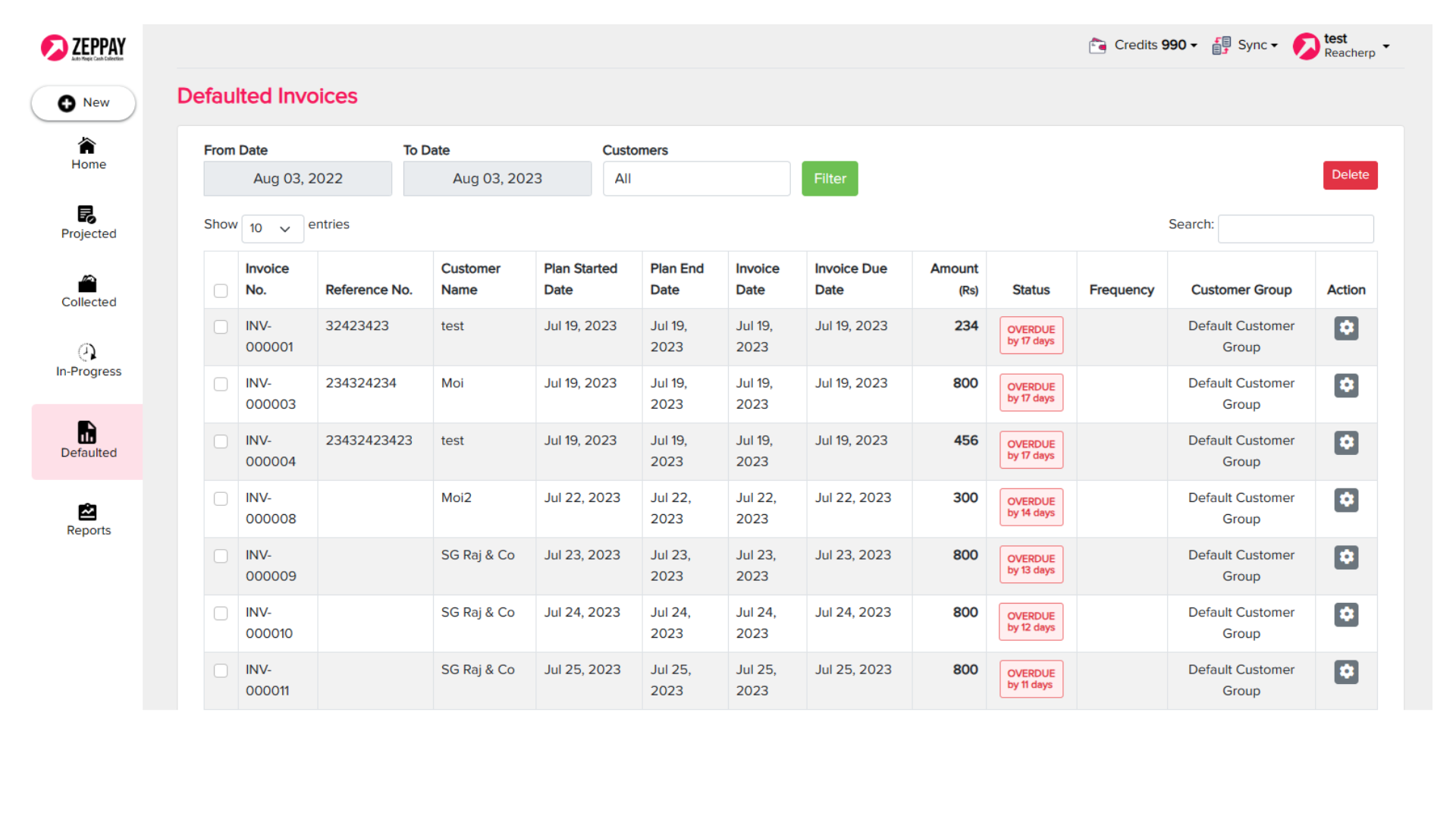
Defaulted Invoices will be displayed in the Defaulted Tab after the designated attempts are completed
You can reach out to our consultants in the above number to get free assistance with the setup